

The best bulk email software for Windows in 2026 gives you full SMTP control, built-in list cleaning, and the ability to send unlimited campaigns without a monthly subscription. This roundup covers the top options available today, what separates them, and which one delivers the best combination of deliverability, features, and value for marketers, agencies, and businesses sending at scale.
In this article
- What Makes Bulk Email Software Worth Using
- Best Bulk Email Software for Windows in 2026
- #1 CerebraMail Advanced Bulk Email Sender
- #2 Kinetimail Suite
- Side-by-Side Comparison
- How to Choose the Right Tool
- Frequently Asked Questions
What Makes Bulk Email Software Worth Using in 2026?
Not all bulk email tools are equal. Cloud-based platforms like Mailchimp and Brevo have dominated the conversation for years, but they come with structural limits: contact-based billing, restricted SMTP access, and data stored on third-party servers. Windows desktop software flips that model. You own the tool, control the infrastructure, and pay once.
Before evaluating any option, look for these five capabilities:
- Custom SMTP support: The ability to connect your own sending accounts is the single most important factor for long-term deliverability. Without it, you are at the mercy of a shared IP pool.
- SMTP rotation: Distributing sends across multiple accounts prevents any one IP from accumulating enough volume to trigger rate limits or blacklisting.
- Built-in list cleaning: Invalid, duplicate, and role-based addresses drive up bounce rates. Software that validates your list before every send protects your sender reputation automatically.
- Personalization at scale: Spam filters fingerprint bulk sends that look identical across thousands of recipients. AI-generated message variants disrupt that pattern.
- One-time pricing: Monthly subscription costs compound fast. For high-volume senders, a one-time desktop license pays for itself within weeks.
With those criteria in mind, here are the best options available for Windows users in 2026.
Best Bulk Email Software for Windows in 2026
#1 CerebraMail Advanced Bulk Email Sender
Best for: Businesses, marketers, and agencies sending high volumes with full deliverability control.
CerebraMail is the most fully featured Windows bulk email sender available as a one-time purchase in 2026. It was built specifically for senders who need enterprise-level deliverability tools without an enterprise-level monthly bill. Every capability that matters for inbox placement is built in from the start: SMTP rotation, list validation, AI personalization, and granular sending speed controls.
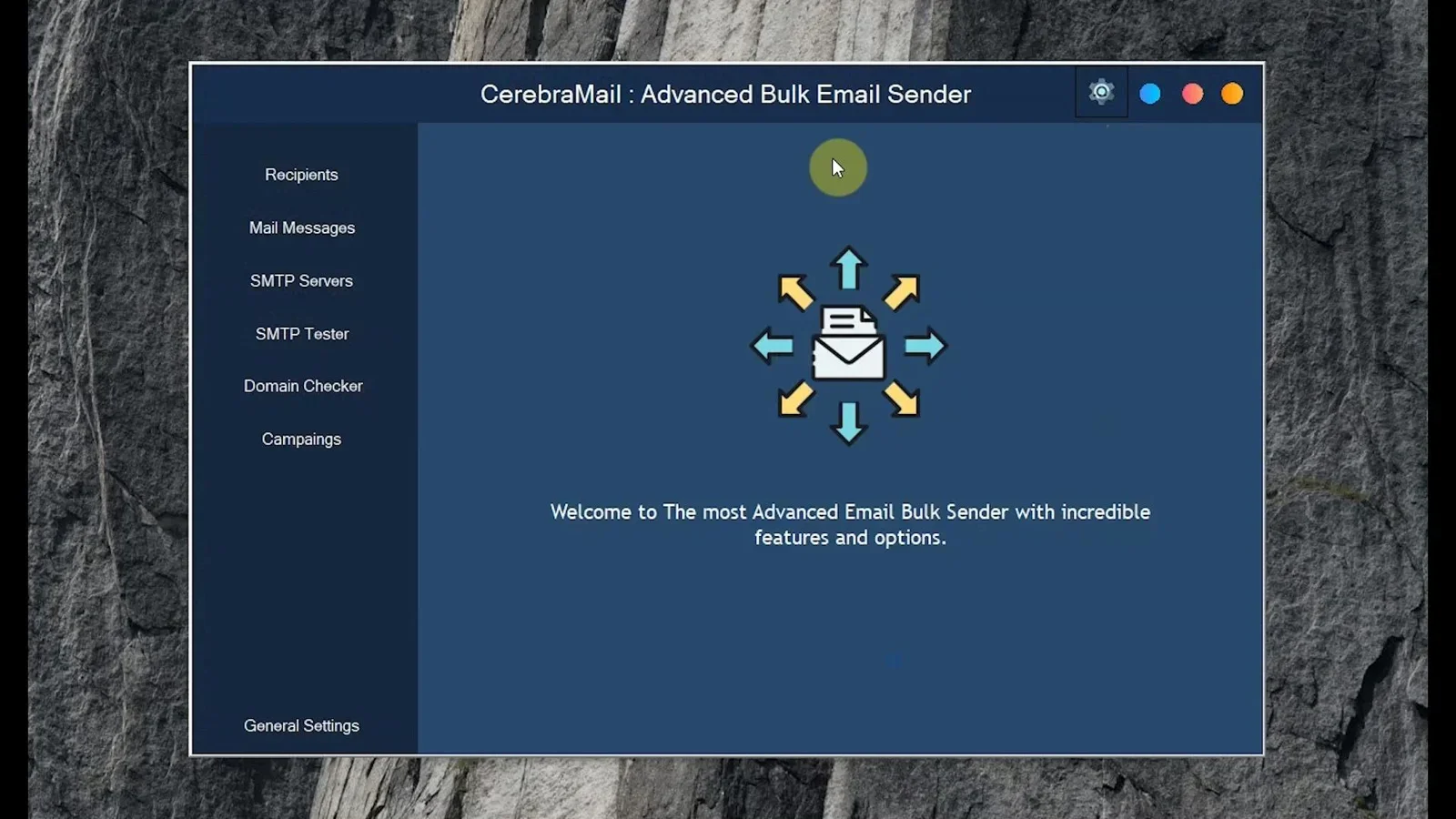
Key features:
- Multi-account SMTP rotation across unlimited sending accounts
- Built-in list cleaner that removes invalid, duplicate, and role-based addresses before every send
- AI-powered message personalization that generates unique variants at scale
- Configurable sending speed, batch sizes, and delay intervals
- Full offline operation: your contact data never leaves your machine
- Unlimited campaigns with no monthly caps or per-email fees
- Compatible with any SMTP provider including Amazon SES, SendGrid, Gmail Workspace, and self-hosted servers
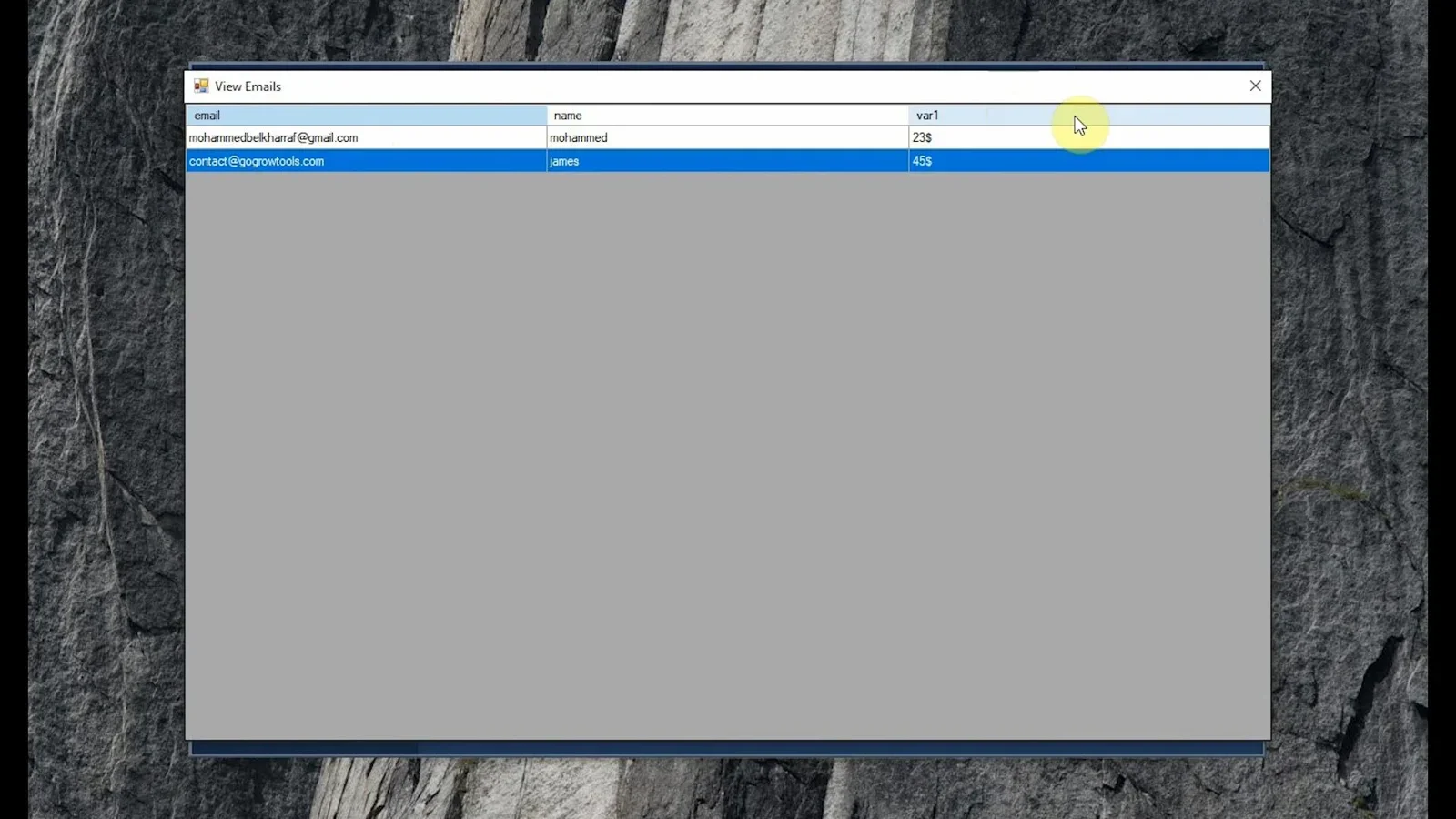
Pros:
- Most complete deliverability feature set of any Windows desktop option
- AI personalization is built in, not a paid add-on
- Works fully offline with local data storage
- One-time purchase with no subscription required
- Supports unlimited SMTP accounts and unlimited campaigns
Cons:
- Windows only — Mac and Linux users need a virtual machine
- No drag-and-drop visual email builder included
Best for: High-volume marketers, email agencies, and businesses that want full SMTP control and zero recurring costs.
Not ideal for: Users who need a beginner-friendly visual builder or deep native CRM integrations.

SMTP rotation, list cleaning, AI personalization, and unlimited campaigns. One-time purchase. No monthly fees.
#2 Kinetimail Suite
Best for: Users who need an all-in-one Windows email toolkit covering validation, extraction, SMTP testing, and bulk sending in one package.
Kinetimail Suite is a Windows email toolkit that bundles four core functions into a single application: email list validation, email extraction, SMTP connection testing, and personalized bulk campaign sending. Where CerebraMail focuses on campaign deliverability and volume, Kinetimail leans into its multi-tool nature, making it a strong option for marketers who also need to build or validate lists from scratch rather than working from existing databases.
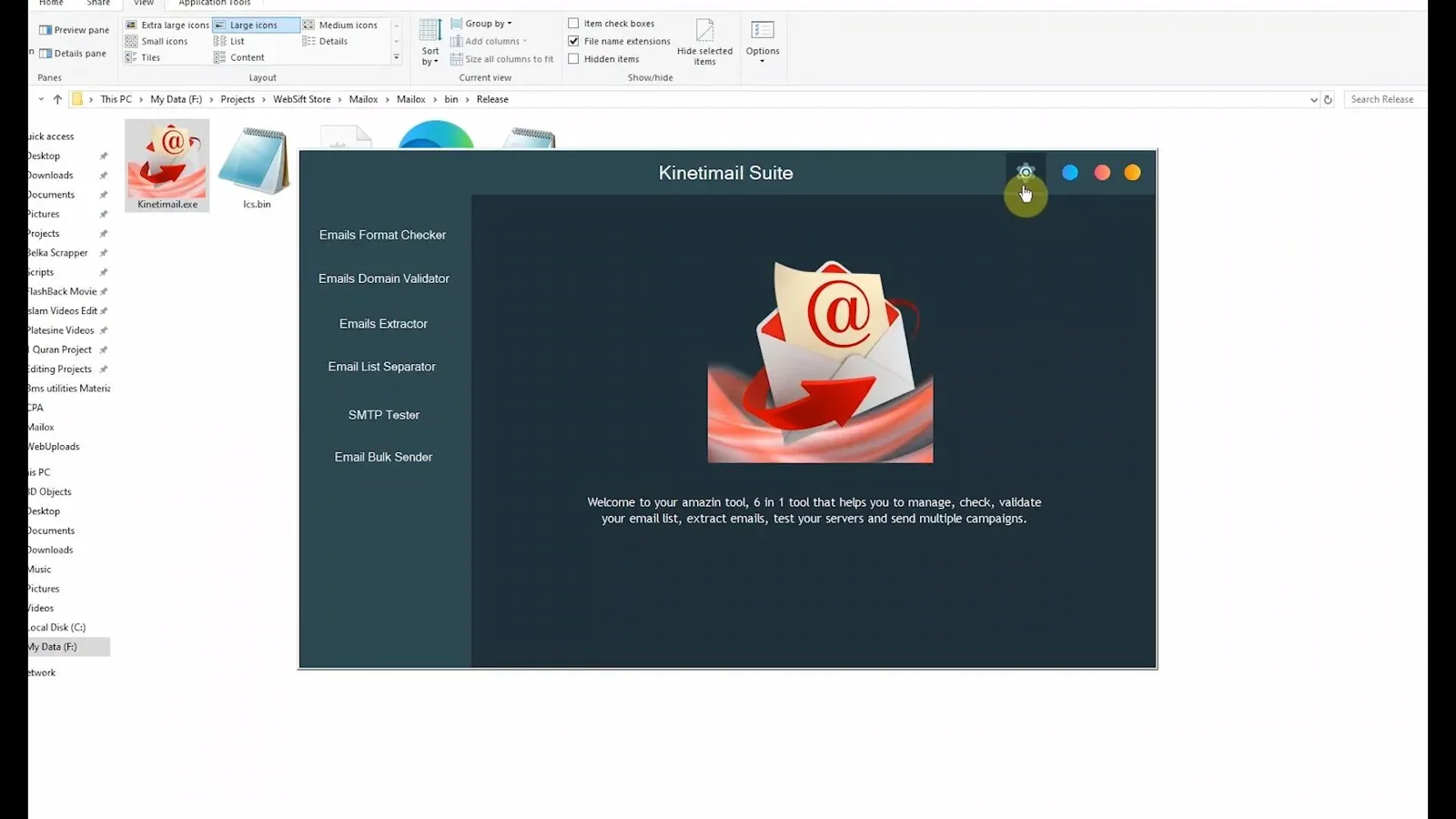
Key features:
- Email list validator that checks addresses before any send
- Built-in email extractor for building lists from web sources
- SMTP tester to verify server configuration before campaigns run
- Personalized bulk campaign sending with variable insertion
- Windows desktop application with local data storage
Pros:
- Four tools in one: validation, extraction, SMTP testing, and sending
- Useful for marketers who need to build lists as well as send to them
- Local data storage keeps contacts off third-party servers
- One-time purchase model
Cons:
- No built-in SMTP rotation across multiple accounts
- AI personalization not included
- Fewer deliverability-focused controls than CerebraMail
Best for: Marketers who need to build, clean, and send to lists from within a single desktop tool.
Not ideal for: High-volume senders who need SMTP rotation and advanced inbox placement controls.

Email validation, extraction, SMTP testing, and bulk sending in one Windows desktop app. No monthly fees.
Side-by-Side Comparison
| Feature | CerebraMail | Kinetimail Suite | Mailchimp (Cloud) |
|---|---|---|---|
| Pricing model | One-time | One-time | Monthly subscription |
| Custom SMTP | Yes | Yes | No |
| SMTP rotation | Yes (multi-account) | No | No |
| List cleaning | Yes (pre-send) | Yes (validator tool) | Basic suppression |
| Email extraction | No | Yes | No |
| AI personalization | Yes | No | Limited |
| SMTP tester | No | Yes | No |
| Sending limits | Unlimited | Unlimited | Plan-based caps |
| Works offline | Yes | Yes | No |
| Best for | High-volume campaigns | List building and sending | Beginners and small lists |
How to Choose the Right Bulk Email Software for Windows
Both CerebraMail and Kinetimail are strong options with one-time pricing and full Windows desktop operation. The right choice depends on your primary use case:
- Choose CerebraMail if your priority is inbox placement at volume. SMTP rotation, AI personalization, and pre-send list validation make it the most deliverability-focused option in this roundup. It is the right tool for marketers running regular campaigns to large lists who cannot afford to have emails land in spam.
- Choose Kinetimail Suite if you also need to build or source your list before you send. The built-in email extractor and SMTP tester add workflow steps that CerebraMail does not cover, making it a better fit for marketers starting from scratch rather than managing an existing database.
If deliverability is your top concern and you already have a list, CerebraMail is the stronger choice. If you need a full workflow from list building through to sending, Kinetimail covers more ground in a single tool.
Final Verdict
Best overall bulk email software for Windows in 2026:
CerebraMail takes the top spot for its combination of SMTP rotation, built-in list cleaning, AI personalization, and unlimited sends at a one-time price. For marketers and agencies focused on campaign performance and deliverability, it covers every technical requirement without a monthly subscription. Kinetimail Suite is the stronger pick for users who need to build lists as well as send to them.
Overall Rating (CerebraMail): 4.8 / 5 | Overall Rating (Kinetimail): 4.4 / 5
Frequently Asked Questions
What is the best free bulk email software for Windows?
Genuinely free bulk email software for Windows that does not cap your sends or monetize your data is rare. Most free tools either restrict volume heavily or require you to use their shared sending infrastructure, which limits deliverability control. CerebraMail and Kinetimail Suite are both one-time purchases that eliminate recurring costs while giving you full control over your sending setup.
Can I use bulk email software with Gmail or Outlook SMTP?
Yes. Both CerebraMail and Kinetimail connect to any SMTP server, including Gmail Workspace and Outlook SMTP. Standard SMTP credentials (host, port, username, password) are all that is required. For high-volume sending, dedicated SMTP providers like Amazon SES or SendGrid are more reliable than personal email accounts, which carry lower daily sending limits.
How do I avoid my bulk emails going to spam?
The four most important factors are: a clean list with bounce rates below 1%, correct SPF, DKIM, and DMARC authentication on your sending domain, SMTP rotation to distribute volume across multiple IPs, and personalized content that does not look identical across thousands of recipients. CerebraMail addresses all four inside a single workflow.
Is bulk email software legal to use?
Yes, within the rules of applicable regulations. In the United States, the CAN-SPAM Act requires a physical mailing address, a working unsubscribe link, and accurate sender information in every commercial email. In the EU, GDPR requires explicit consent from recipients before sending. Always include an unsubscribe mechanism and honor opt-outs promptly regardless of where your recipients are located.
What is SMTP rotation and why does it matter for bulk email?
SMTP rotation means distributing your outgoing email volume across multiple SMTP accounts and IP addresses rather than sending everything through one server. It matters because inbox providers track sending patterns per IP. A single IP sending 50,000 emails in one day is far more likely to be rate-limited or blacklisted than five IPs each sending 10,000. CerebraMail automates this rotation, cycling through your configured accounts without manual intervention.
Do I need technical knowledge to use Windows bulk email software?
Basic familiarity with SMTP settings (server address, port, authentication credentials) is required to configure sending accounts. Beyond that, both CerebraMail and Kinetimail Suite are designed for non-technical users, with straightforward campaign setup screens and no coding required. If you have ever configured an email client like Outlook or Thunderbird, you have the technical knowledge needed to get started.
Ready to Send Smarter Without a Monthly Bill?
CerebraMail gives you SMTP rotation, list cleaning, AI personalization, and unlimited campaigns in a single Windows desktop app. One-time purchase. Full deliverability control. No subscription required.
Get CerebraMail Today →One-time purchase. Works offline on Windows. Unlimited campaigns included.




Comments (0)
Leave a Comment