
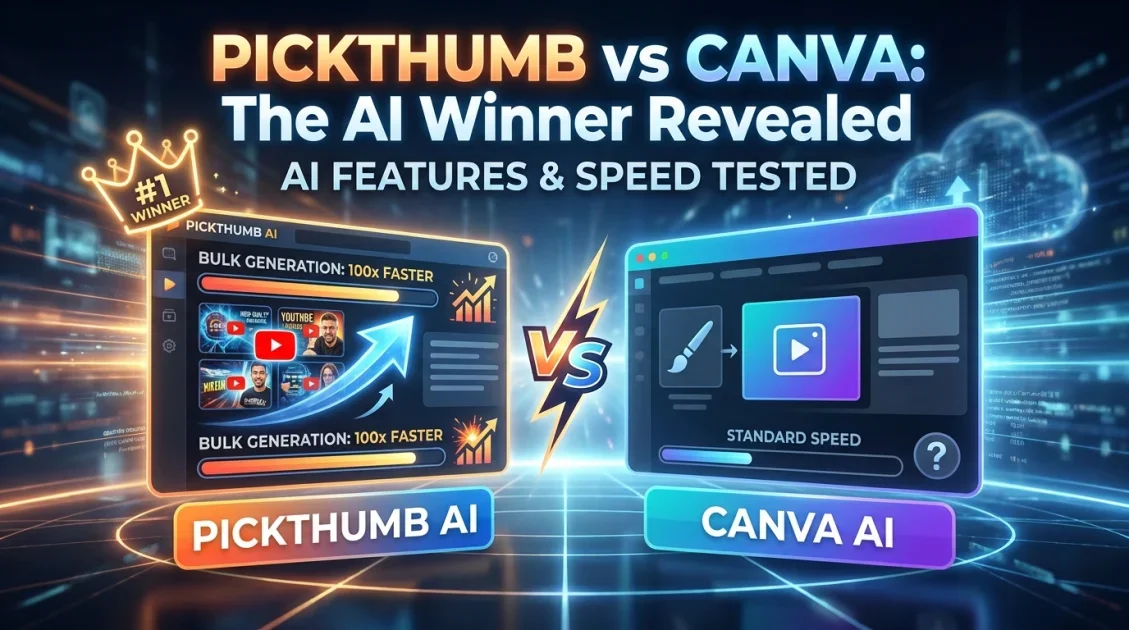
If you are choosing between PickThumb and Canva for creating YouTube thumbnails in 2026, the short answer is this: PickThumb wins for creators who want AI-powered, YouTube-optimized thumbnails fast, without a monthly subscription. Canva is a broader design platform that can make thumbnails, but it was never built specifically for YouTube. This comparison breaks down exactly where each tool excels, where it falls short, and which one deserves a place in your content workflow.
In this article
- What is PickThumb?
- What is Canva?
- Feature-by-feature comparison
- Pricing: one-time vs subscription
- Which tool wins for YouTube creators?
- Pros and cons
- Final verdict
- Frequently asked questions
What Is PickThumb and How Does It Work?
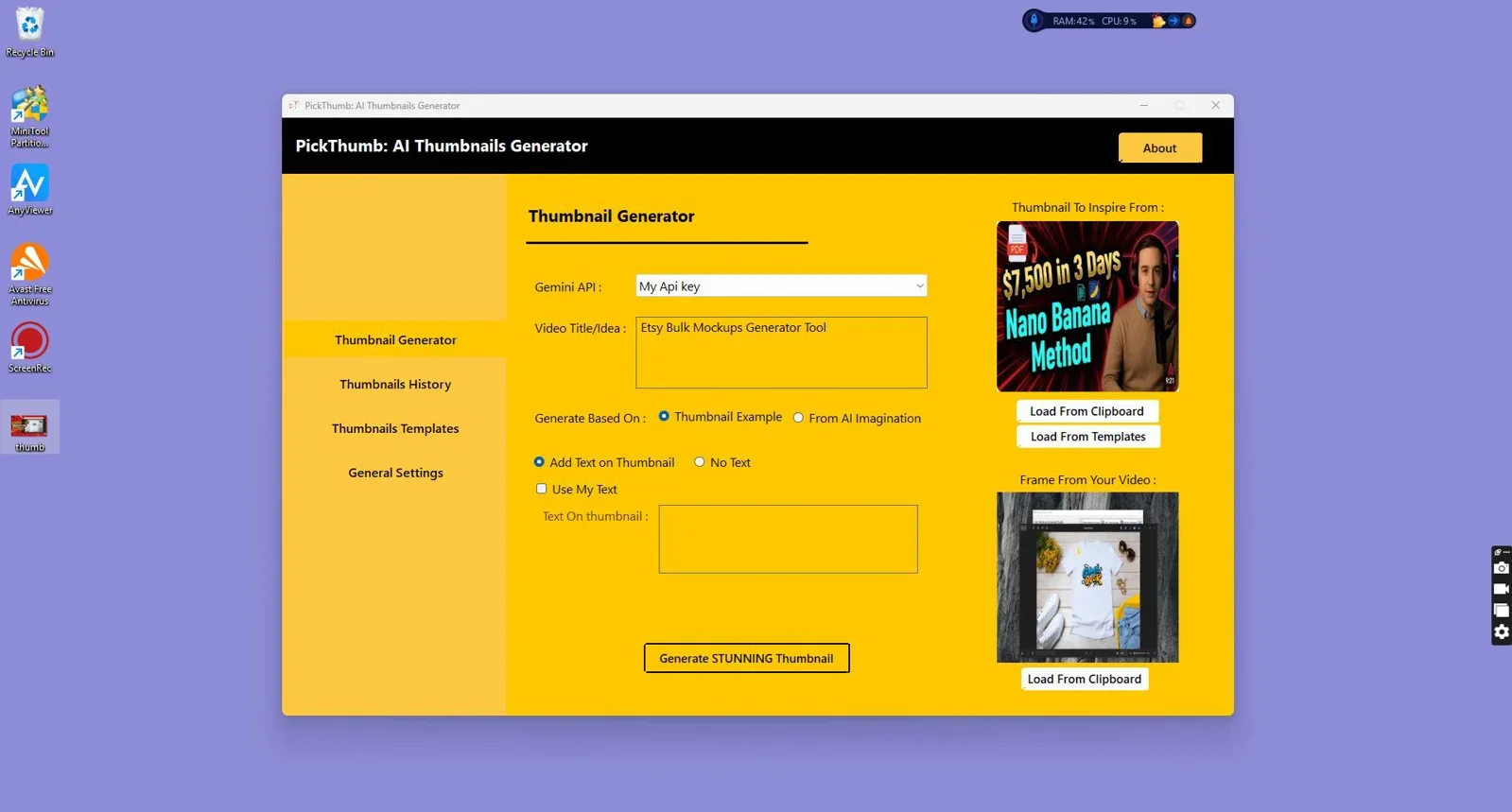
PickThumb is a dedicated AI thumbnail generator built for YouTube creators, video marketers, and advertisers. Unlike general-purpose design platforms, PickThumb is purpose-built around one goal: producing click-worthy, professional thumbnails without requiring design skills, Photoshop experience, or a subscription plan.
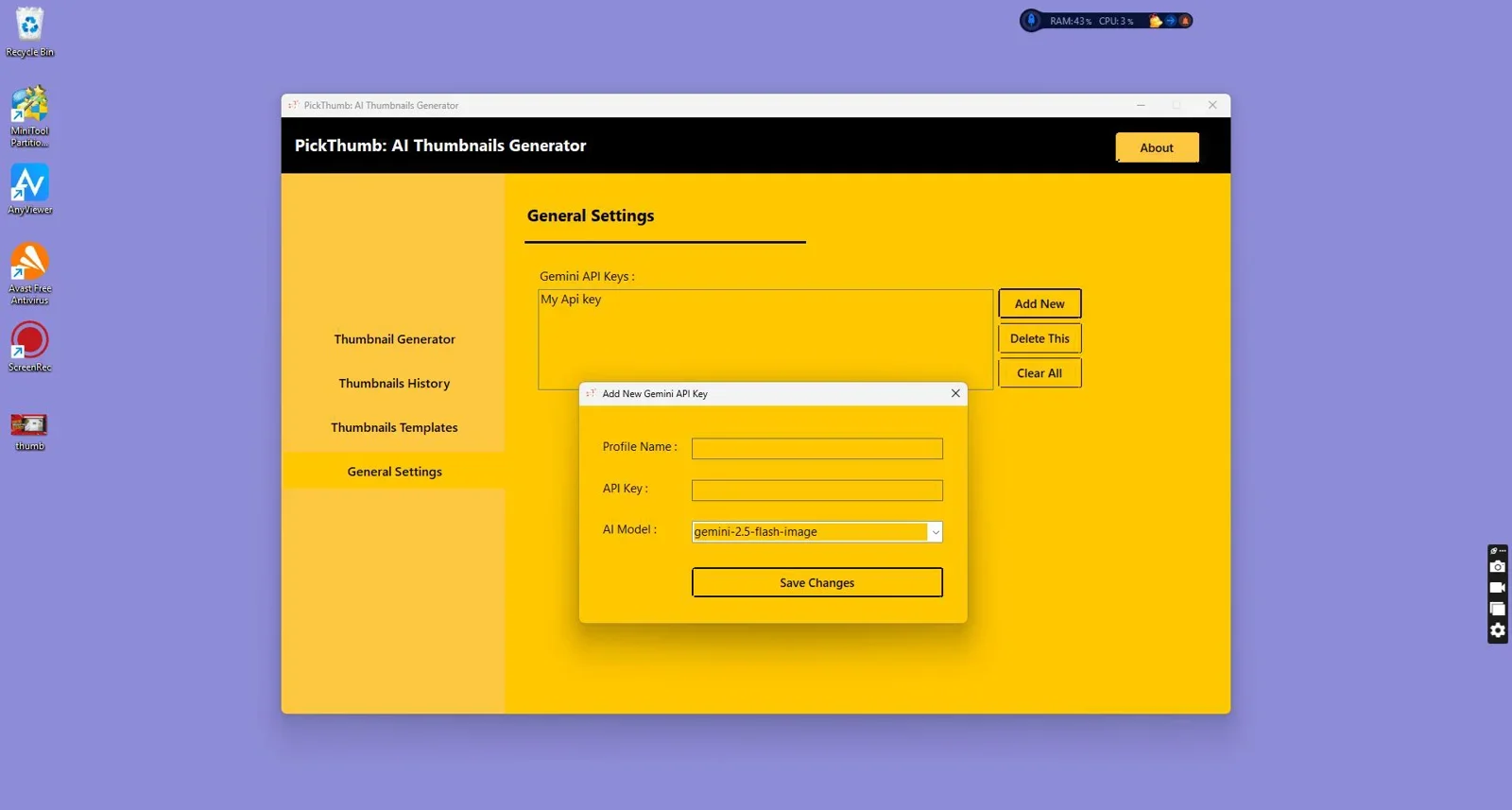
The tool uses AI to generate thumbnail visuals from your input. You describe the concept, select a style, and PickThumb handles the composition, color contrast, and text hierarchy that drive click-through rates. It runs offline on Windows, which means your creative work is not dependent on a browser tab or an internet connection.

Create professional, viral-style YouTube thumbnails in minutes. No Photoshop, no templates, no designers required.
What Is Canva and Where Does It Fit In?
Canva is a cloud-based visual design platform used by marketers, educators, small business owners, and social media managers to create a wide range of graphics: presentations, social posts, flyers, logos, videos, and yes, thumbnails. Its template library exceeds 1 million designs, and its drag-and-drop interface makes it accessible to non-designers.
Canva's strength is breadth. It is not a YouTube-specific tool. It does not generate thumbnails from AI prompts. Instead, it offers pre-made thumbnail templates that users customize manually. For YouTube creators who need speed and AI assistance rather than manual design flexibility, that distinction matters significantly.
Canva Pro starts at $15 per month (or $120 per year), which adds up to $300 or more over two years. The free tier is limited, removing access to premium templates, the background remover, and brand kit features.
Feature-by-Feature Comparison: PickThumb vs Canva
The table below compares both tools across the features that matter most to YouTube creators and video marketers.
| Feature | PickThumb | Canva |
|---|---|---|
| Built for YouTube thumbnails | Yes | No (general design tool) |
| AI thumbnail generation | Yes | Limited (Magic Media, paid) |
| Works offline | Yes (Windows desktop) | No (browser-based) |
| Pricing model | One-time payment | Monthly / annual subscription |
| No design skills needed | Yes | Partial (templates help, but customization requires skill) |
| Bulk thumbnail generation | Yes | No |
| Click-through-rate optimization | Built-in AI guidance | Manual only |
| Template library | YouTube-focused | 1M+ (all categories) |
| Privacy (data stays local) | Yes (offline) | No (cloud-based) |
| Best for | YouTube creators, video marketers | General graphic designers, social media teams |
Pricing: One-Time vs Monthly Subscription
This is where the comparison sharpens considerably. Canva Pro costs approximately $15 per month. Over 12 months, that is $180. Over two years, $360. If you are on a team plan, the cost scales with each seat added.
PickThumb operates on a one-time payment model. You pay once and own the tool permanently, with no recurring charges, no seat limits for personal use, and no features locked behind a paywall that resets each billing cycle. For independent creators and small studios managing margins carefully, this difference compounds significantly over time.
The value equation is straightforward: if you use PickThumb for 18 months, you have already paid less than a single year of Canva Pro, and you continue saving from month 19 onward.

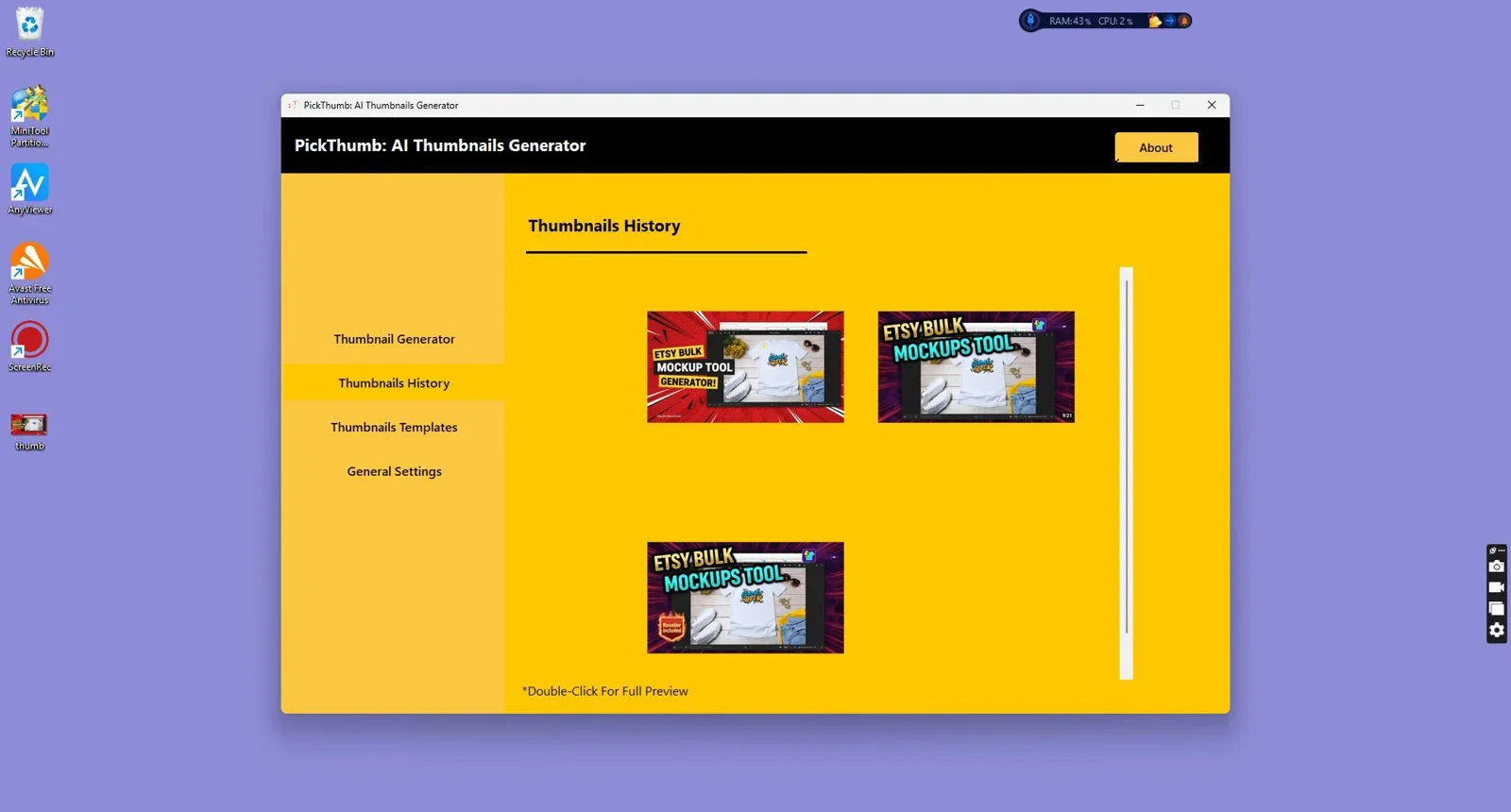
One-time purchase. No monthly fees, no subscriptions. Create unlimited professional YouTube thumbnails.
Which Tool Wins for YouTube Creators?
For YouTube-specific thumbnail creation, PickThumb is the stronger choice. The reasons are structural, not cosmetic. Canva was built for general design. Its thumbnail templates are one category among hundreds. PickThumb was engineered specifically around the visual mechanics of YouTube: bold text contrast, face-forward compositions, emotional color palettes, and aspect ratios that perform across desktop and mobile recommendations.
Beyond the focus, the AI layer changes the workflow entirely. In Canva, creating a thumbnail means browsing templates, swapping images, editing text, adjusting colors, and exporting. In PickThumb, the AI handles the composition logic. You define the concept and the tool generates a result calibrated for clicks. That workflow difference translates to real time savings across a consistent publishing schedule.
Canva remains the better option when your design needs extend beyond YouTube. If your team produces presentation decks, social media graphics, email headers, and branded print materials alongside thumbnails, Canva's versatility justifies its cost. But if your primary use case is YouTube content, you are paying for a significant amount of functionality you will rarely use.
Pros and Cons
PickThumb
| Pros | Cons |
|---|---|
| Built exclusively for YouTube thumbnails | Windows only (no Mac or browser version) |
| AI generates compositions, not just templates | Not suitable for broader graphic design needs |
| One-time payment, no ongoing costs | Smaller template library than Canva |
| Bulk thumbnail generation for volume publishers | Requires Windows installation |
| Works fully offline, data stays local | No mobile app |
Canva
| Pros | Cons |
|---|---|
| Extremely broad design capabilities | Monthly subscription required for full access |
| Over 1 million templates across all formats | Not purpose-built for YouTube |
| Works in browser and mobile app | Thumbnails require manual design effort |
| Strong team collaboration features | AI image generation is limited on free tier |
| Well-established, large user community | Cost accumulates significantly over time |
Best for PickThumb: YouTubers, video course creators, faceless channel operators, affiliate marketers using video, and anyone publishing more than 4 videos per month who wants to remove design friction.
Not ideal for: Mac users, teams needing multi-format design across departments, or creators who prefer full manual control over every visual element.
Best for Canva: Social media managers handling multiple platforms, brand designers, educators, and small businesses that need both thumbnails and broader marketing materials from one tool.
Not ideal for: Creators who primarily need YouTube thumbnails and want to avoid recurring fees or browser dependency.
Final Verdict
Final Verdict
Who should use PickThumb?
PickThumb is the clear winner for YouTube creators and video marketers who need fast, AI-generated thumbnails without a monthly subscription. If you publish consistently on YouTube and want thumbnails that are engineered specifically for click performance rather than adapted from a general design platform, PickThumb is the purpose-built solution. The one-time payment model eliminates the cost accumulation that makes Canva expensive over a 12 to 24-month horizon. Canva remains a better fit for teams with diverse design needs across multiple formats and platforms.
Overall Rating: PickThumb 4.8/5 for YouTube creators | Canva 3.5/5 for YouTube-specific use

Stop paying monthly. Generate YouTube thumbnails with AI in minutes, one-time purchase.
Frequently Asked Questions
Is PickThumb better than Canva for YouTube thumbnails?
For YouTube-specific thumbnail creation, PickThumb is the stronger tool. It is built exclusively for generating thumbnails optimized for click-through performance, uses AI to handle composition, and requires no monthly subscription. Canva is a better fit for teams needing a general-purpose design platform across multiple content formats.
Does PickThumb work offline?
Yes. PickThumb is a Windows desktop application that runs fully offline. Your thumbnail projects and data stay on your local machine, with no browser or internet connection required during use.
Can Canva generate thumbnails with AI?
Canva offers AI image generation through its Magic Media feature, but it is limited on the free plan and requires credits on paid plans. It does not generate thumbnails from a YouTube-specific prompt workflow the way PickThumb does. Canva's thumbnail creation is primarily template-based with manual customization.
Does PickThumb support bulk thumbnail generation?
Yes. PickThumb supports bulk generation, which makes it particularly useful for creators running multiple channels, publishing high-frequency content, or producing thumbnail variants for A/B testing.
Is there a free version of PickThumb?
PickThumb is available through GoGrowTools as a paid product with a one-time purchase model. Visit the PickThumb product page for current pricing and any available trial options.
What is the correct YouTube thumbnail size in 2026?
YouTube's recommended thumbnail size remains 1280 x 720 pixels, with a minimum width of 640 pixels. The image should be under 2MB and saved in JPG, PNG, GIF, or WEBP format. PickThumb generates thumbnails in the correct dimensions by default.
Stop Paying Monthly for Thumbnails That Look Generic
PickThumb gives you AI-powered, YouTube-optimized thumbnails with a single one-time purchase. No subscriptions, no design skills needed.
Try PickThumb Today →One-time payment. Lifetime access. Works offline on Windows.



Comments (0)
Leave a Comment