
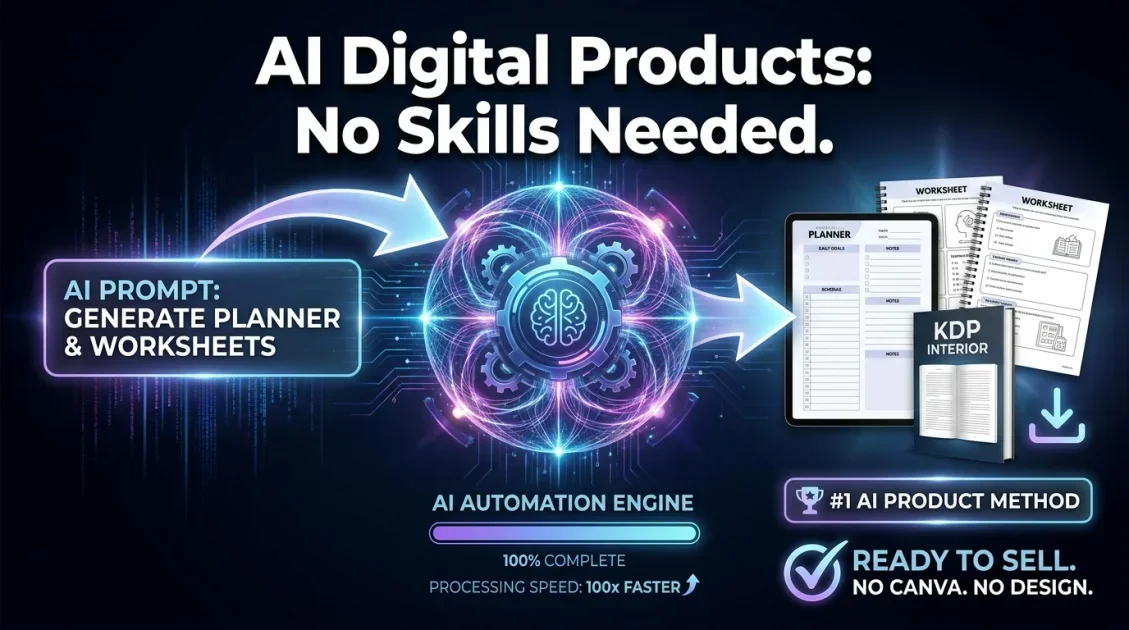
You can create professional digital products with AI in under 10 minutes — no design skills, no Canva subscription, no outsourcing required. AI-powered tools now handle the entire production process: generating content, formatting layouts, and exporting print-ready PNG and PDF files automatically. This guide walks you through exactly how it works, what types of products you can create, and which tool makes the process fastest in 2026.
In this article
- What counts as a digital product?
- Why use AI to create digital products?
- How to create digital products with AI: step by step
- What types of digital products can AI generate?
- How to sell your AI-generated digital products
- Common mistakes to avoid
- Frequently asked questions
What counts as a digital product?
A digital product is any file that customers download and use without physical delivery. The category is broad: printable planners, kids worksheets, resume templates, coloring pages, journal pages, wall art, certificates, puzzle sheets, budget trackers, and low-content book interiors all qualify. What makes digital products attractive is that you create them once and sell them unlimited times with zero fulfillment cost.
The challenge has always been production speed. Designing 50 worksheet variations by hand in Canva or Illustrator can take days. AI tools eliminate that bottleneck entirely.
Why use AI to create digital products?
Traditional digital product creation requires either design skills or expensive software. AI removes both barriers. Here is why creators are switching in 2026:
- Speed: Generate dozens of product variations in minutes, not hours.
- No design knowledge required: The AI handles layout, typography, and formatting automatically.
- Scalability: Build a catalog of 100+ products without hiring designers.
- Consistency: Every output follows the same professional standard.
- Lower cost: A one-time software purchase beats monthly Canva Pro or Adobe subscriptions.
The result is a production pipeline that lets a solo creator compete with teams. Whether you sell on Etsy, Amazon KDP, or your own store, AI-generated digital products are now a legitimate full-time income source.
Generate 30+ types of printables and digital assets with unlimited output. Export to PNG and PDF using your own API key.
How to create digital products with AI: step by step
The process below applies whether you are building your first product or scaling to hundreds. It uses AiProductizer, a Windows desktop app built specifically for generating digital assets at scale.
Step 1: Choose your product type
Open AiProductizer and select from over 30 product categories. The tool covers printable planners, kids activity sheets, journal pages, wall art, certificates, coloring pages, budget trackers, KDP interiors, and more. If you are starting out, worksheets and planners sell reliably on Etsy year-round and require minimal niche research to validate.
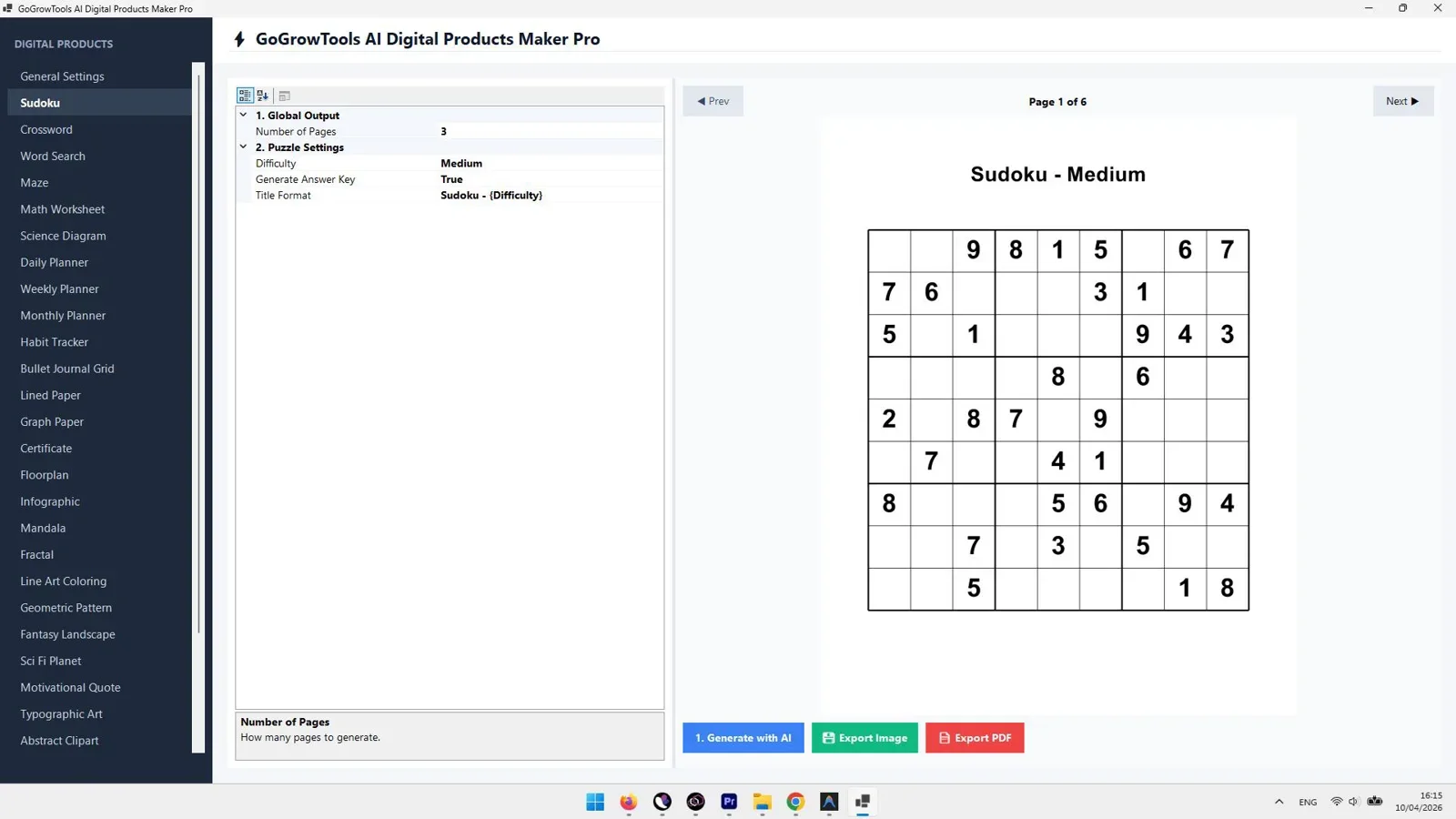
Step 2: Enter your prompt or topic
Describe the product you want. For a kids math worksheet, you might enter: "Multiplication practice sheet for ages 7-9, single-digit numbers, 20 problems, clean layout." The AI interprets your input and structures the content accordingly. You do not need to write copy, set margins, or pick fonts — the tool handles all of it.
Step 3: Generate and preview
AiProductizer uses your own API key for generation, which means unlimited output with no per-credit fees. Most products render in under 60 seconds. The preview shows exactly what the final file will look like before you export.
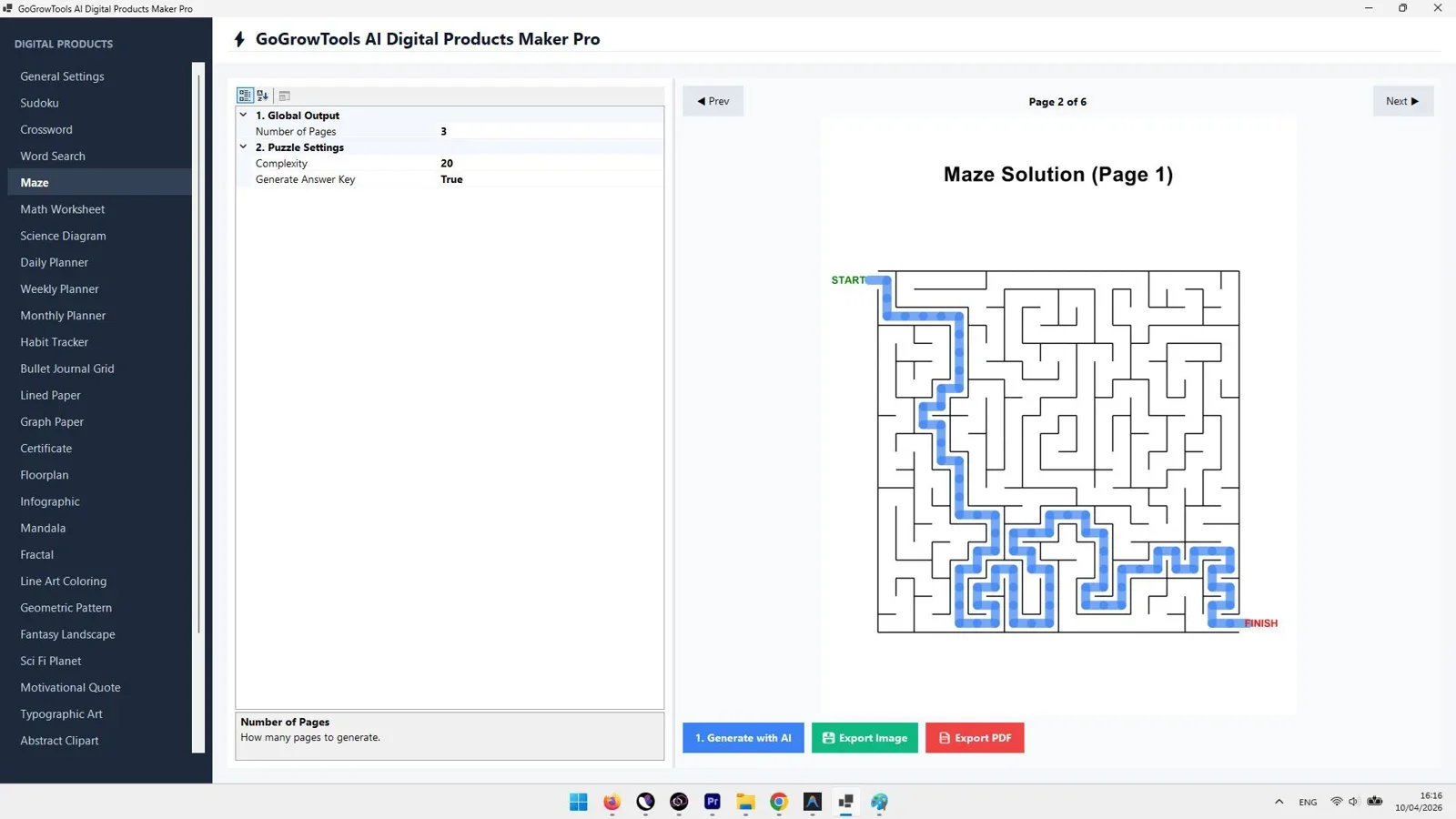
Step 4: Adjust and refine
If the output needs adjustments — different difficulty level, more problems, a new color scheme — you refine the prompt and regenerate. Because there are no per-generation costs, you can iterate freely until the product meets your standard. This is a significant advantage over subscription tools that charge credits per export.
Step 5: Export in your target format
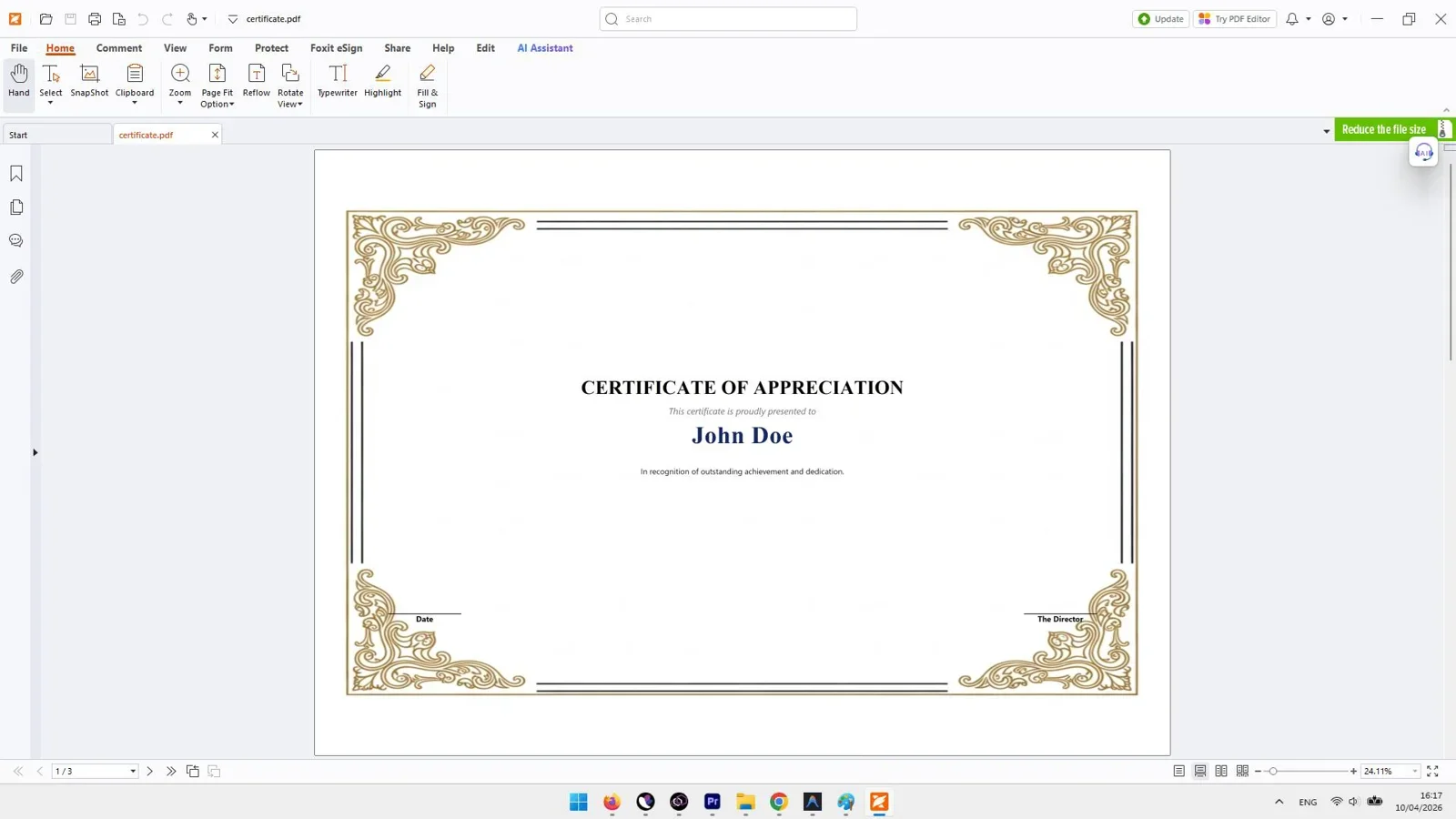
Export finished products as PNG for Etsy mockups and social media previews, or as PDF for the actual customer download. Both formats are print-ready at standard A4 dimensions. For KDP sellers, the PDF output meets Amazon's interior file requirements directly.
Step 6: Build a product catalog
One product is a listing. Thirty products is a shop. With AiProductizer, you can produce an entire themed collection — say, a complete set of first-grade math worksheets covering addition, subtraction, counting, and number recognition — in an afternoon. A deep catalog increases your shop's discoverability and average order value when buyers purchase bundles.
What types of digital products can AI generate?
The range of products AiProductizer covers is one of its strongest selling points. Here is a breakdown by use case:
| Product Type | Best Platform | Export Format |
|---|---|---|
| Kids worksheets (math, tracing, matching) | Etsy, Teachers Pay Teachers | |
| Printable planners and journals | Etsy, Gumroad | PDF, PNG |
| KDP low-content book interiors | Amazon KDP | |
| Wall art and printable decor | Etsy, Creative Market | PNG, PDF |
| Certificates and awards | Etsy, own site | |
| Budget trackers and finance sheets | Etsy, Gumroad | |
| Coloring pages | Etsy, Amazon KDP | PDF, PNG |
Each category targets a distinct buyer, which means a single AiProductizer license supports multiple income streams across different niches and platforms simultaneously.
How to sell your AI-generated digital products
Creating the product is only half the work. Here is where to list them and how to make each listing convert:
Etsy
Etsy is the primary marketplace for printables. A well-optimized listing needs a keyword-rich title, 10 product mockup images, and a clear description of what the buyer gets. Use the PNG export from AiProductizer to create your mockup visuals. Price single worksheets at $2 to $4 and bundles at $8 to $15. Bundles consistently outsell singles because buyers perceive better value.
Amazon KDP
For low-content books (journals, planners, activity books), Amazon KDP lets you publish with no upfront cost and earn royalties of 60% on each sale. Your PDF interior from AiProductizer pairs with a cover you design in KDP's cover creator. A single interior file can generate dozens of book variants by changing the cover theme or target audience.
Gumroad or your own store
If you want to keep 100% of revenue, Gumroad charges a flat transaction fee with no monthly cost. Selling direct also lets you build an email list, which is an asset that no marketplace can take away from you.
The fastest way to build a catalog of 30+ digital product types — offline, no subscription, unlimited generations.
Common mistakes to avoid when creating digital products with AI
Most new sellers make the same errors. Knowing them in advance saves weeks of wasted effort:
- Creating products nobody searches for. Validate demand before you produce. Use Etsy's search bar autocomplete or a keyword tool to confirm people are actively buying in your niche.
- Listing single products instead of bundles. Bundles earn more per transaction and rank better because they generate more reviews faster.
- Using low-quality mockups. Your thumbnail is your storefront. Export PNGs from AiProductizer and overlay them on realistic mockup scenes before listing.
- Ignoring SEO in titles. Etsy and Amazon both use keyword matching. Your listing title should include the exact phrase buyers search for, not just a creative name.
- Stopping at 5 to 10 products. Shops with 50 or more listings generate significantly more passive traffic. Build depth in one niche before expanding.
Frequently asked questions
Can I sell AI-generated digital products on Etsy?
Yes. Etsy permits AI-assisted digital products as long as you disclose that AI was used in the creation process. This is a simple checkbox in the listing settings. Thousands of sellers already operate successful shops using AI-generated printables and worksheets.
Do I need design skills to create digital products with AI?
No. Tools like AiProductizer are built specifically for non-designers. You provide a text prompt describing what you want, and the software generates a formatted, print-ready file. No Canva, no Photoshop, no design experience required.
How much does it cost to start creating digital products with AI?
AiProductizer is a one-time purchase, meaning no ongoing subscription. You also need an API key from an AI provider (such as OpenAI), which operates on a pay-per-use model. For most users, API costs run well under $5 per month at typical production volumes. Compare that to $13 per month for Canva Pro or $55 per month for Adobe Creative Cloud.
What is the fastest type of digital product to create and sell?
Kids worksheets and printable planners are the fastest to produce and have the most established buyer base on Etsy. A single themed worksheet pack — say, a set of 10 first-grade math sheets — can be generated, listed, and live within a few hours of starting.
Is AiProductizer available for Mac?
AiProductizer is currently a Windows desktop application. Mac users can run it using a virtual machine or Boot Camp, though a native Mac version has not been announced as of mid-2026.
How many products can I generate with AiProductizer?
Unlimited. Because AiProductizer uses your own API key rather than a credit system, there is no cap on the number of products you can generate. Your only cost is the API usage, which scales with volume but remains low relative to the revenue potential of each product created.
Start Building Your Digital Product Catalog Today
AiProductizer gives you 30+ product types, unlimited generations, and print-ready exports — for a single one-time payment.
Get Lifetime Access →One-time payment. No monthly fees. No credit limits.

Comments (0)
Leave a Comment