
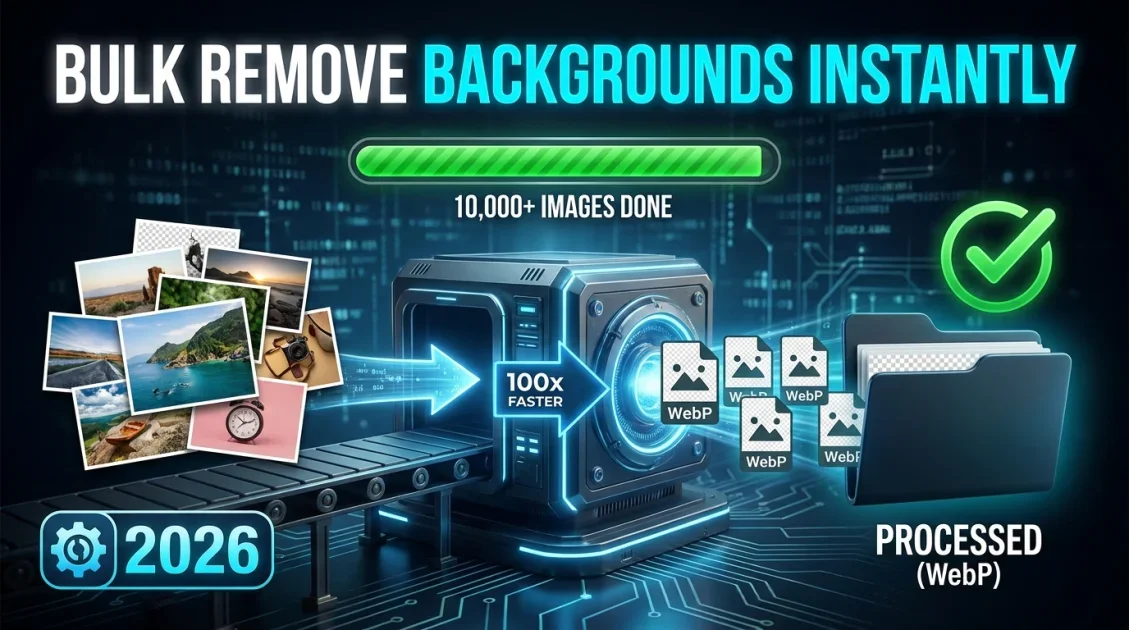
To use a high-performance webp background remover offline, desktop AI applications like BackErase - AI Background Remover allow you to process entire image folders containing WebP, PNG, and JPG files directly on your computer. By executing object cutout models locally on your hardware, you eliminate server upload delays, avoid credit caps, and convert full photo catalogs into transparent WebP or PNG files in minutes.
In this article
- Why Bulk Offline WebP Processing Matters in 2026
- Step-by-Step: Removing WebP Backgrounds in Bulk
- Format Performance: WebP vs. PNG vs. JPG Batch Exports
- Product Spotlight: BackErase AI Batch Engine
- Frequently Asked Questions
Why Bulk Offline WebP Processing Matters in 2026
Modern e-commerce platforms and digital marketplaces rely heavily on the WebP format due to its superior compression and small file sizes. However, bulk background removal for WebP images presents distinct technical challenges:
- Cloud Server Limits: Web-based background removers restrict batch sizes or charge per-image API credits, making large WebP image catalog edits expensive.
- WebP Transparency Artifacts: Poorly optimized web converters often cause jagged edges or lose alpha channel transparency when processing WebP files.
- Privacy & Asset Protection: Processing confidential product shots or upcoming catalog items offline prevents unauthorized data exposure.
Using a local PC background removal tool resolves these bottlenecks by providing direct desktop execution with unlimited batch processing capabilities.

Offline AI background remover for Windows that delivers fast, accurate cutouts from single photos or large batches with zero internet needed.
Step-by-Step: Removing WebP Backgrounds in Bulk
Follow these steps to remove background webp files efficiently on your Windows PC:
- Organize Source Folders: Collect all WebP, JPG, or PNG images into a single dedicated folder on your local drive.
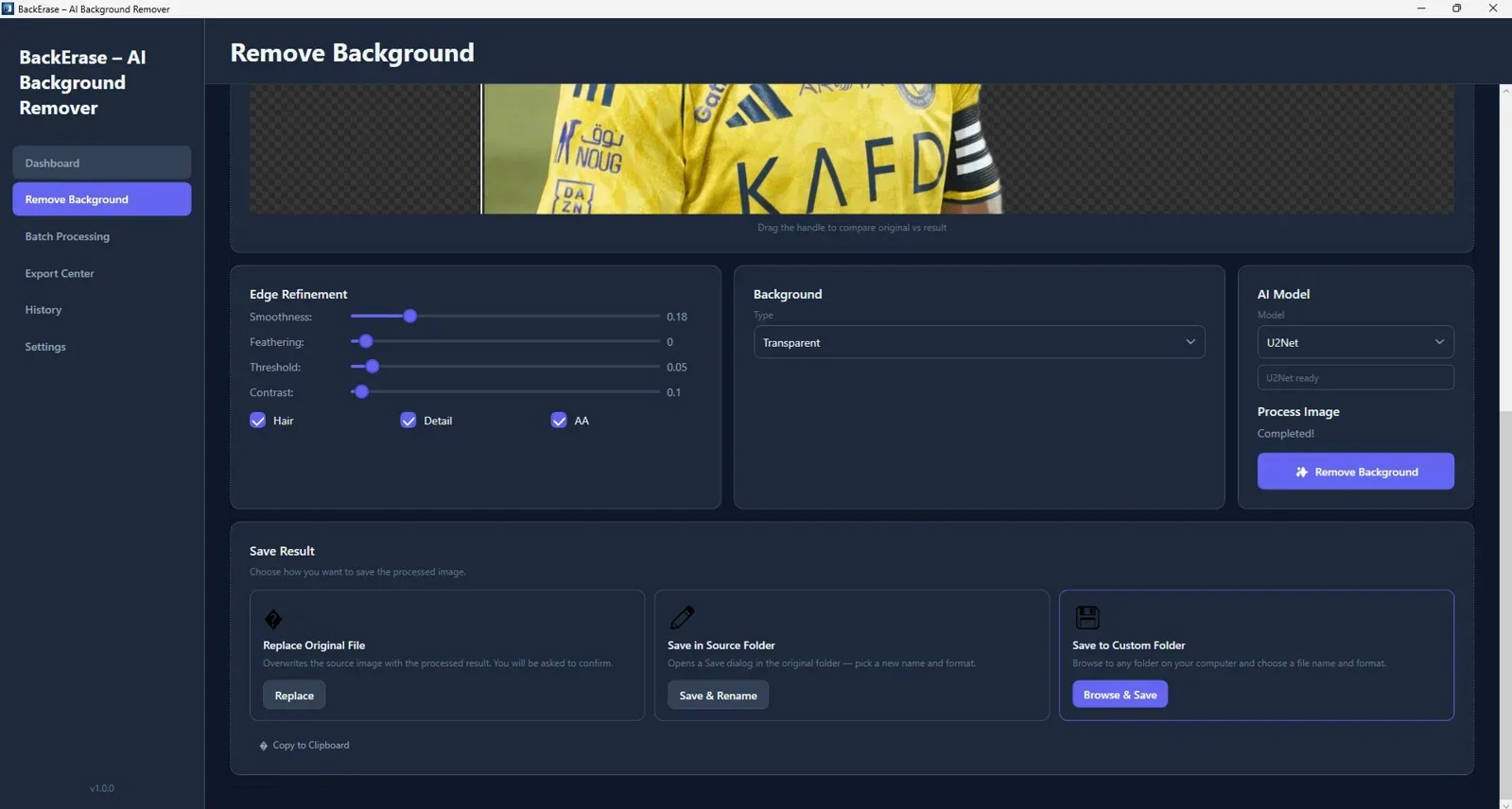
- Load Into Offline AI Software: Open BackErase and select your target input folder using the batch queue interface.
- Configure Output Format: Choose transparent WebP or transparent PNG as your export target.
- Run Automatic Processing: Click start to allow local neural models to isolate subjects and export clean cutouts automatically.
Format Performance: WebP vs. PNG vs. JPG Batch Exports
Choosing the right export format impacts site load speed and visual fidelity. Here is how formats perform when using an offline background remover webp workflow:
| Format | Alpha Transparency | File Size Efficiency | Recommended Use Case |
|---|---|---|---|
| WebP (Transparent) | Full 8-bit Alpha Channel | Highest (25%-35% smaller than PNG) | E-commerce product listings & web stores |
| PNG-24 | Full 8-bit Alpha Channel | Standard (Larger footprint) | High-resolution print & graphic design templates |
| JPG | None (Solid background only) | High compression | Solid white background marketplace feeds |
Product Spotlight: BackErase AI Batch Engine
BackErase provides a robust desktop environment tailored for high-volume content creators. Unlike standard web utilities, it operates entirely offline, ensuring consistent performance regardless of network stability.
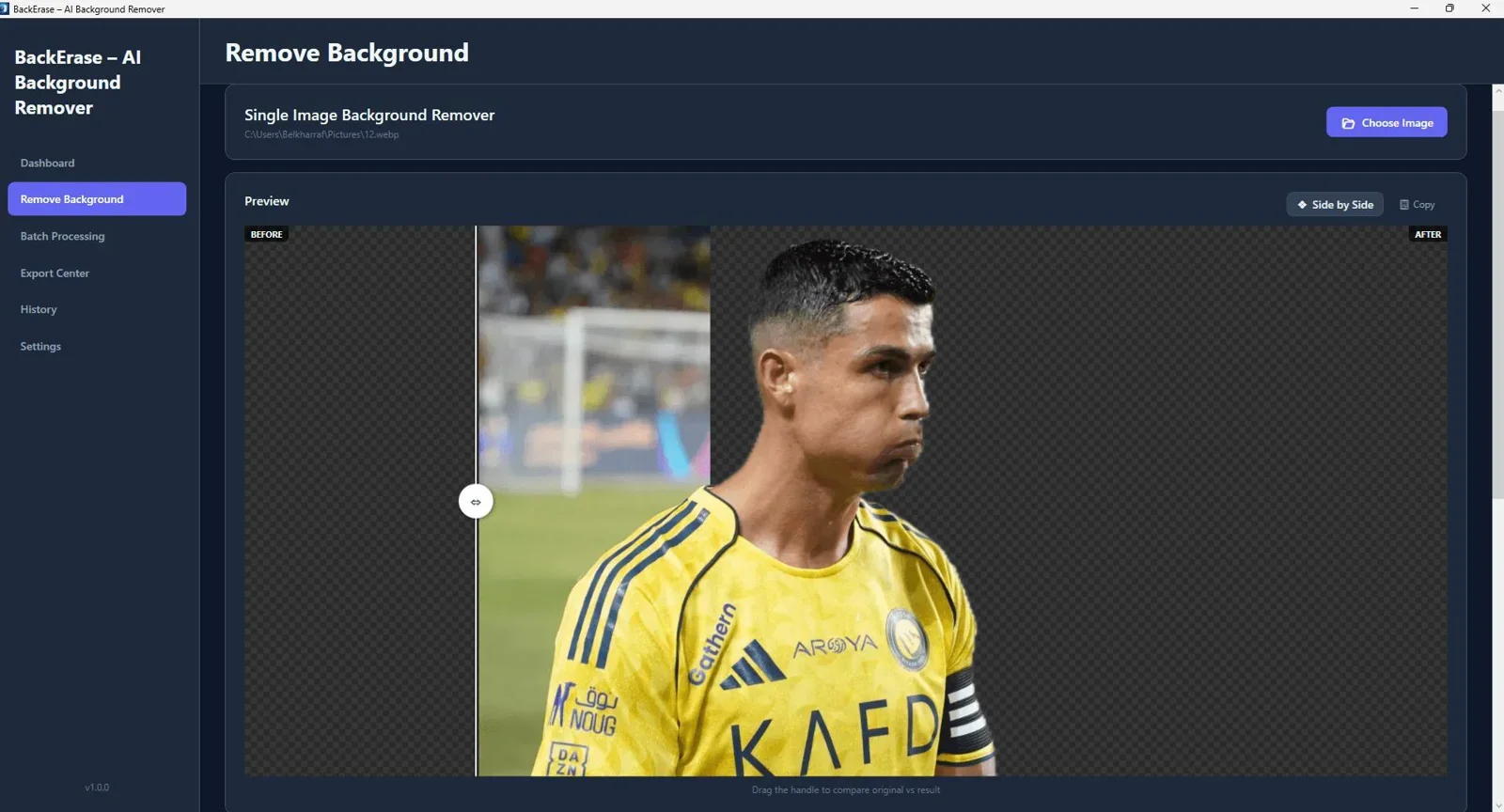
For additional insights into desktop software options, explore our detailed analysis of the Best Offline Background Remover Tools for PC in 2026.
Final Verdict
Who should use this tool?
BackErase is ideal for e-commerce managers, catalog editors, and digital creators who require fast, private, and unlimited WebP background removal without cloud subscription fees.
Overall Rating: 4.9 / 5
Frequently Asked Questions
How do I remove background webp images without losing quality?
Use a native desktop tool like BackErase that processes WebP files directly in local memory. This avoids double compression artifacts caused by online file conversion utilities.
Is an offline webp background remover faster than online tools?
Yes. Because files are processed directly on your PC hardware without network upload or download queues, batch operations complete significantly faster.
Can I export transparent WebP files directly to PNG?
Yes. BackErase allows seamless conversion between transparent WebP, PNG, and JPG formats during the background removal process.
Ready to Process WebP Backgrounds in Bulk Offline?
Process thousands of high-resolution images and WebP files locally on your PC with full privacy and precision AI edge detection.
Get BackErase - AI Background Remover →Instant download for Windows - Lifetime access with local processing.



Comments (0)
Leave a Comment