
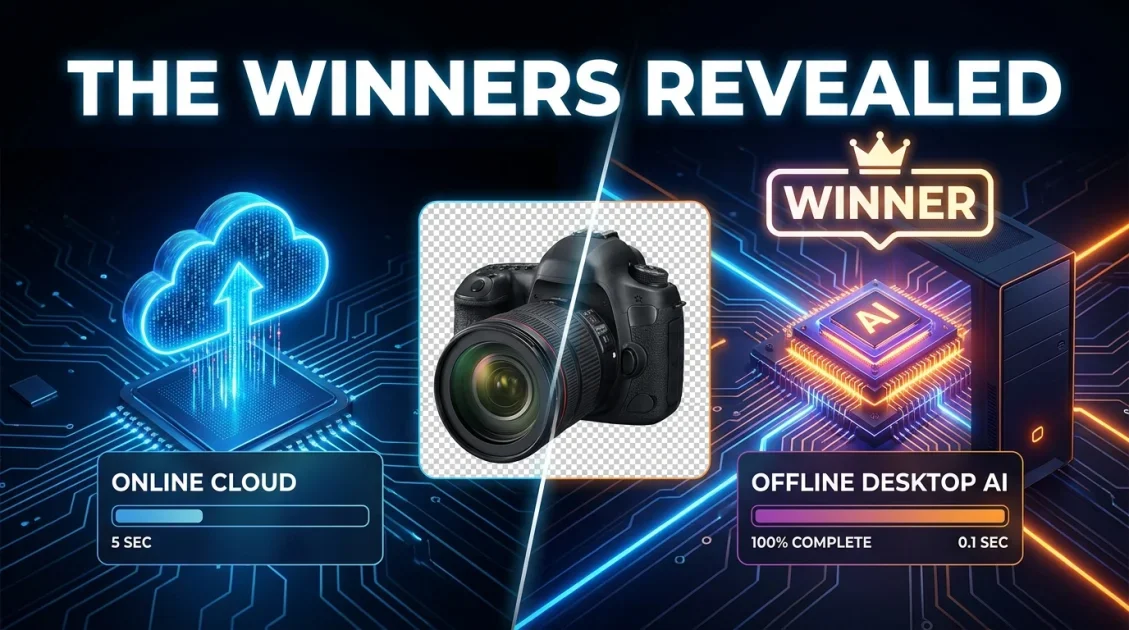
Choosing the best online background remover 2026 or an offline desktop tool depends on your business volume, privacy requirements, and budget structure. While web-based platforms offer convenient single-photo edits, businesses managing large product catalogs or sensitive brand assets often find offline software like BackErase - AI Background Remover superior due to zero cloud credit limits, faster local batch processing, and complete data privacy.
In this article
- Online vs. Offline Background Removers Overview
- Key Limitations of Web-Based Removal Tools
- Why Desktop AI Software Leads for High-Volume Workflow
- In-Depth Comparison: Cloud Web Apps vs. Local PC Tools
- Spotlight: BackErase AI Desktop Engine
- Frequently Asked Questions
Online vs. Offline Background Removers Overview
In recent years, e-commerce sellers, marketing agencies, and graphic designers relied on web services like remove.bg, Canva, and InPixio. However, as business catalog sizes expand and privacy regulations tighten, the choice between online cloud services and local PC software has become a critical operational decision.

Offline AI background remover for Windows that delivers fast, accurate cutouts from single photos or large batches with zero internet needed.
Key Limitations of Web-Based Removal Tools
When searching for who offers the best background removal service, online tools present several hidden friction points:
- Recurring Credit Costs: Most web platforms charge on a per-credit model. Updating a catalog of 2,000 product images can cost hundreds of dollars per upload cycle.
- Data Privacy Risks: Uploading proprietary photography or unreleased product images to cloud servers exposes assets to third-party data processing risks.
- Network & Upload Constraints: Processing large batches of high-resolution RAW camera files or WebP graphics requires significant upload bandwidth and time.
Why Desktop AI Software Leads for High-Volume Workflow
Offline desktop background removers run neural network models locally on your PC's CPU and GPU. This provides distinct advantages:
- Unlimited Local Batching: Process thousands of photos in a single folder without worrying about monthly usage limits.
- Total Security: Files never leave your local hard drive, meeting strict corporate privacy and compliance standards.
- Direct Format Flexibility: Native handling for WebP, PNG, and JPG formats without requiring intermediate file conversion steps.
In-Depth Comparison: Cloud Web Apps vs. Local PC Tools
Evaluate the operational differences between cloud-based background removers and local desktop software:
| Comparison Factor | Cloud Web Services (Canva, InPixio) | Offline PC Software (BackErase) |
|---|---|---|
| Payment Structure | Monthly subscription or per-image credit fees | Single desktop software license |
| Processing Speed | Slower (Depends on upload bandwidth & queue) | Instant (Powered by local GPU/CPU) |
| Image Privacy | Images processed on external servers | 100% Local (Files remain on your PC) |
| Internet Requirement | Active internet required | Fully functional offline |
| Batch Capacity | Limited by monthly plan credits | Unlimited folder batch processing |
Spotlight: BackErase AI Desktop Engine
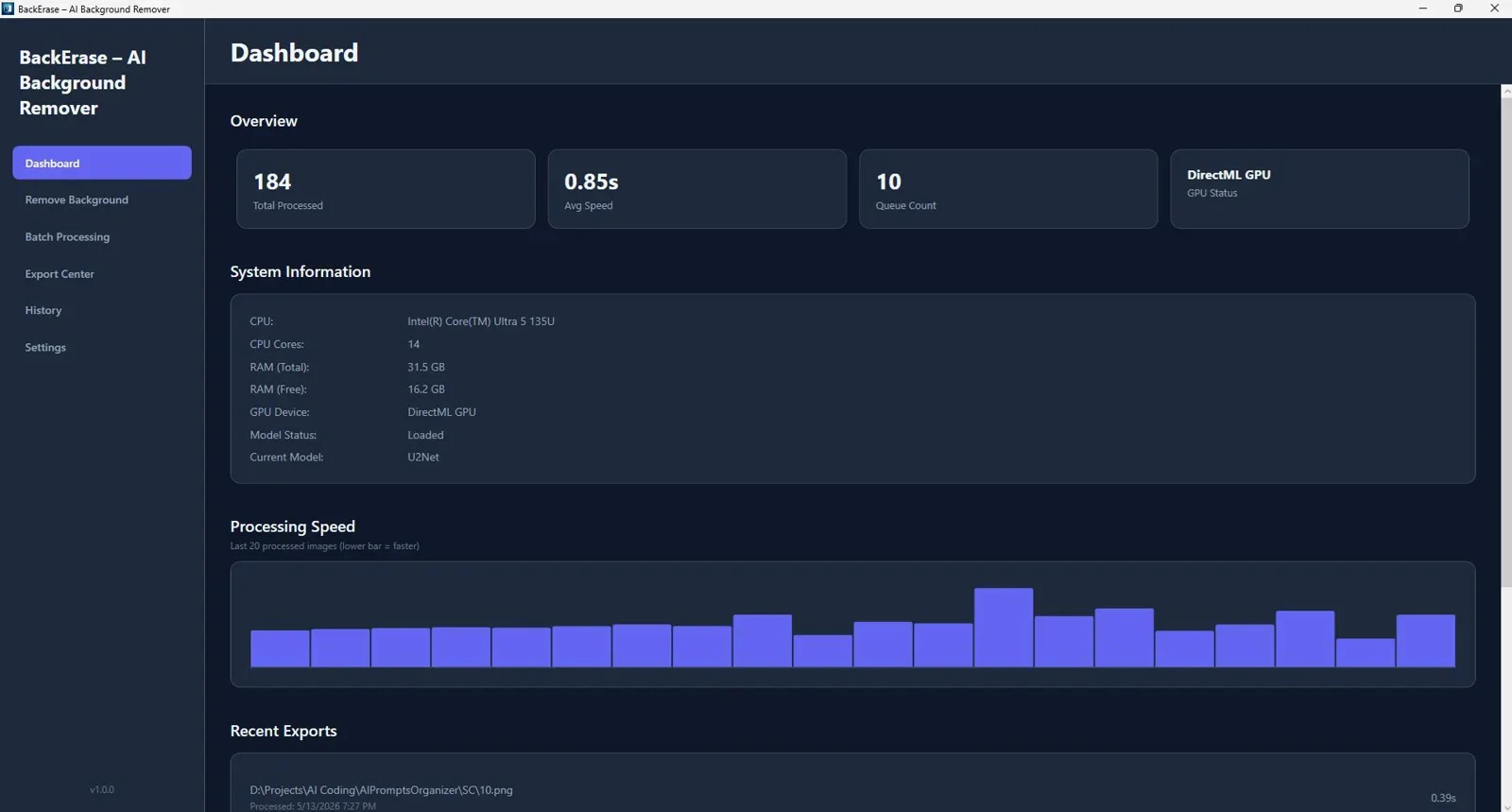
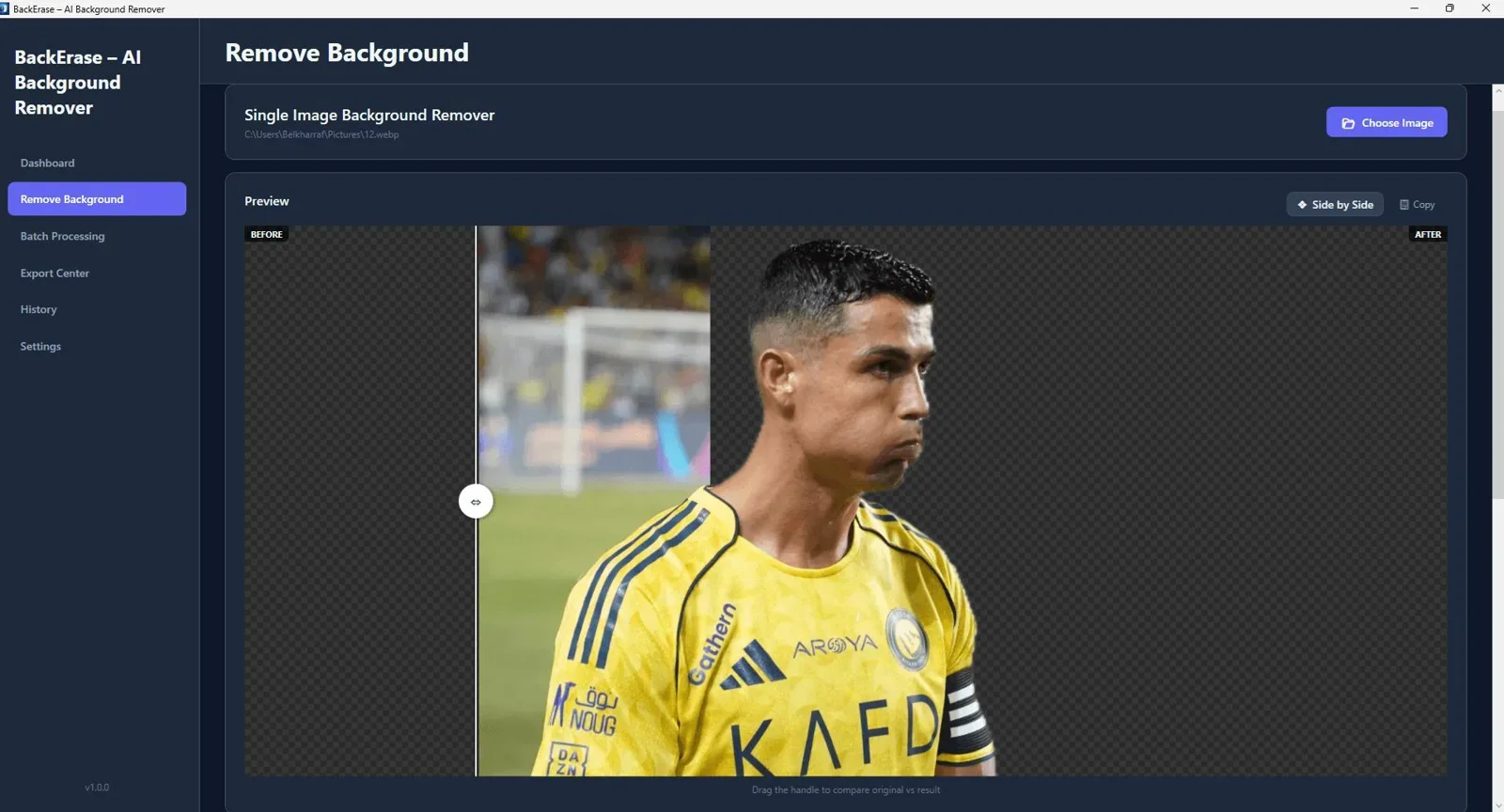
BackErase delivers a specialized Windows desktop environment designed for high-efficiency asset editing. By executing deep neural edge detection locally, it provides sub-pixel accuracy on hair, fur, and delicate product edges.
To learn more about setting up bulk offline production, check out our guide on How to Remove Image Backgrounds in Bulk Offline and our roundup of the Top 5 Offline AI Image & Video Processing Tools for Windows.
Final Verdict
Who should choose an offline background remover?
Offline PC software like BackErase is the clear winner for businesses, photographers, and e-commerce managers who need fast, private, and unlimited background removal without monthly subscription costs.
Overall Rating: 4.9 / 5
Frequently Asked Questions
Is an offline background remover better than tools like inpixio remove background?
Yes, for high-volume workflows. While tools like InPixio require active web connectivity and monthly credits, offline software like BackErase runs locally on your PC with unlimited processing and total privacy.
What is the best online background remover 2026 for single quick edits?
For a single casual edit, simple web utilities work fine. However, for commercial work, catalog updates, or bulk WebP edits, offline desktop AI tools deliver significantly better value and speed.
Can offline background removers handle transparent WebP files?
Yes. Modern desktop background removers support WebP image structures natively, allowing instant import, background isolation, and export to transparent WebP or PNG files.
Ready to Switch to Fast, Private Offline Background Removal?
Process thousands of high-resolution images and WebP files locally on your PC with full privacy and precision AI edge detection.
Get BackErase - AI Background Remover →Instant download for Windows - Lifetime access with local processing.



Comments (0)
Leave a Comment